5 Practical Ways AI Can Make Home Assistant Easier
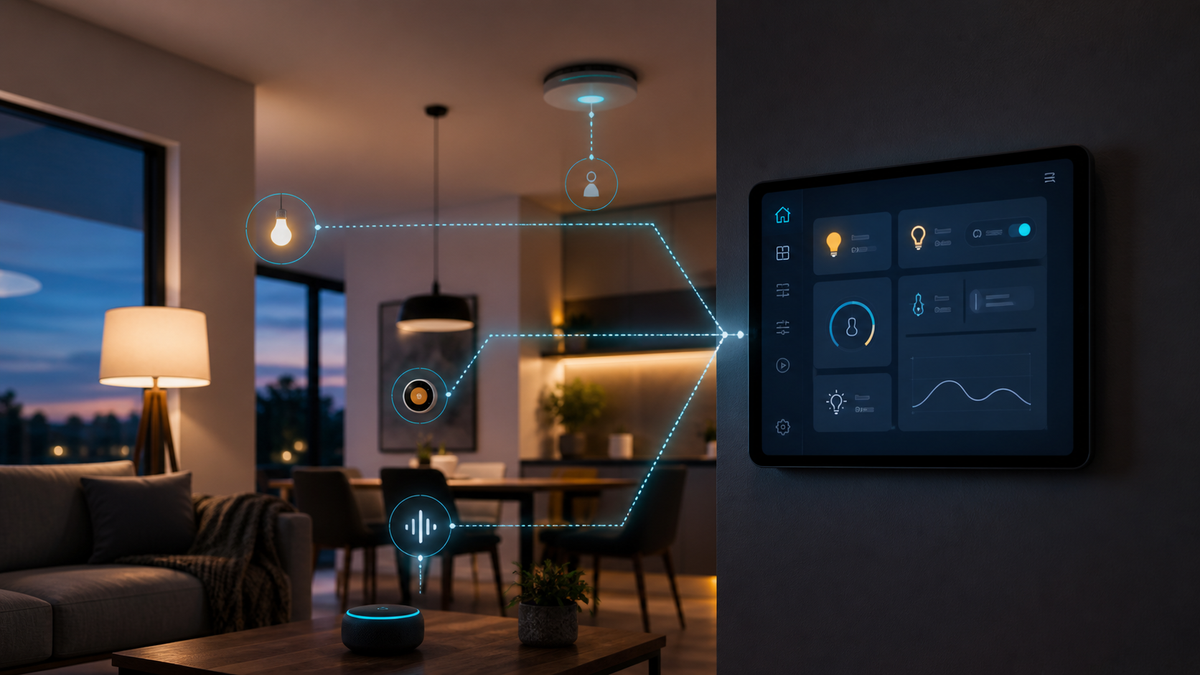
Home Assistant can automate almost anything in your house. The hard part is not turning on a light. It is translating an idea like "make the hallway useful at night without waking everyone up" into triggers, conditions, actions, entity IDs, and safeguards.
That is where AI can help.
AI is most useful as a Home Assistant copilot, not an unsupervised administrator. Let it help you plan, explain, draft, and troubleshoot. Keep yourself in control of what changes and what runs inside your home.
Here are five practical ways to use it.
1. Turn a rough idea into an automation plan
You do not need to know the correct Home Assistant terminology before asking for help. Start by describing the outcome in plain English:
When someone walks into the hallway after 10 p.m., turn the lights on at 20 percent. Do not run it if the bedroom lights are on, and turn the hallway lights off after two minutes without motion.
Ask AI to separate that idea into:
- Triggers: what starts the automation
- Conditions: what must be true before it runs
- Actions: what Home Assistant should do
- Run mode: what should happen if it triggers again while already running
- Failure cases: what could make it annoying or unsafe
This planning step catches vague requirements before they become a flaky automation. Home Assistant's automation model uses triggers, optional conditions, and actions, so the structure maps cleanly to the platform.
2. Draft YAML you can review
Home Assistant's visual editor is the right starting point for many automations, and it requires no coding. When you need more control, AI can draft YAML from the plan you already reviewed.
Give it the real entity IDs and tell it which Home Assistant version you use. Then ask it to explain every block in plain language. If it cannot explain a line, do not paste that line into your system.
There are two important boundaries:
- Do not paste secrets, access tokens, passwords, or your entire configuration into a public AI service. Share only the small section needed for the task, and redact anything sensitive.
- Validate every configuration change before relying on it. Home Assistant can check configuration and automation files when you reload or restart. Use that check, then test the automation with a low-risk device before connecting it to locks, doors, alarms, HVAC equipment, or anything else that can affect safety or property.
Home Assistant stores UI-created automations as YAML, but its documentation warns against manually editing the UI-managed automations.yaml file. Open an automation in the interface and use Edit in YAML, or keep hand-written automation blocks in a supported configuration file.
3. Troubleshoot automations without staring at YAML for an hour
When an automation does not behave, give AI evidence instead of asking it to guess.
Useful evidence includes:
- The automation YAML
- The expected behavior
- What actually happened
- Relevant entity states
- The automation trace
- Any related log message
Ask it to identify the first point where reality diverged from the expected path. That produces a much better answer than "why didn't this run?"
AI is especially good at spotting details that are easy to miss, such as a condition that blocked the action, the wrong entity ID, a state represented as text instead of a number, or a run mode that does not match the behavior you wanted.
Do not let it rewrite the whole automation immediately. Ask for the smallest proposed change and the reason for it. Smaller changes are easier to understand, test, and undo.
4. Make voice control sound more like your household
Home Assistant's built-in voice assistant, Assist, can control a smart home with natural language. It can run locally, or it can use a large language model for more conversational requests.
AI can help you design names, aliases, and custom sentences that match the words people in your house actually use. If everyone says "the den" but the room is named "family room," an alias can close that gap. You can also create custom sentence triggers for household-specific commands.
There is a privacy tradeoff here. A fully local Assist pipeline can keep spoken commands on your own hardware. A cloud speech service or external language model sends some data outside your home. Neither choice is automatically wrong, but you should know which one you selected and what it shares.
Also limit what a conversational agent can control. A friendly voice interface does not need unrestricted access to every entity in the house.
5. Document the system you will otherwise forget
The automation you understand today may look like archaeology six months from now.
After an automation works, ask AI to create a short record containing:
- What the automation does
- Why it exists
- Which devices and helpers it depends on
- Important timing or threshold decisions
- How to test it
- How to disable or roll it back
This is not busywork. It is how you avoid breaking one automation while cleaning up another. It also gives AI better context the next time you ask for a change.
A safe workflow that actually works
The best AI-assisted Home Assistant workflow is simple:
- Describe the outcome in plain English.
- Ask AI to turn it into triggers, conditions, actions, and edge cases.
- Correct the plan before generating code.
- Provide only the entity IDs and configuration needed for that task.
- Review the proposed YAML and ask for a plain-English explanation.
- Back up the relevant configuration.
- Validate the configuration.
- Test with a low-risk device.
- Review the automation trace.
- Document the finished behavior and the reason behind it.
AI does not replace understanding your home. It reduces the friction between knowing what you want and building it carefully. Used that way, it can make Home Assistant more approachable for beginners and faster for experienced users without turning your house into an experiment you no longer understand.
Official Home Assistant references
Related articles
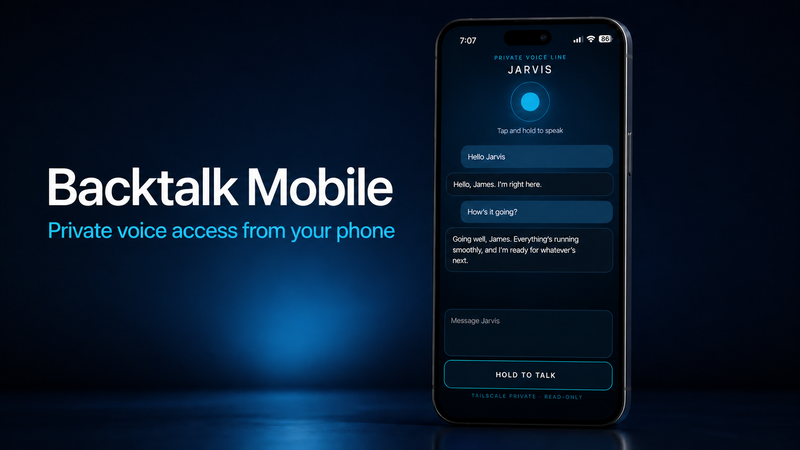
Backtalk Mobile
Backtalk Mobile adds a private browser-based voice and text interface to Jared Rhodenizer’s local AI stack, letting you reach your agent from a phone through Tailscale while speech, memory, and Codex stay on your computer.
5 Practical Ways AI Can Make Home Assistant Easier
Home Assistant can automate almost anything in your house. The hard part is not turning on a light. It is translating an idea like "make the hallway

NFC Tags: Best Storage Solution by far!
Home automation today consists of so many smart options and it has made things a lot easier. But what about things that aren't smart? Take storage